Advanced: Data Collection Flows
Data Collection Flows are multi-step conversational forms that allow you to gather structured information from customers directly within WhatsApp.
🏢 Business Owner's Guide (Non-Technical)
Think of a Flow as a "Chat Form." Instead of sending a static link to a website, your bot asks questions one by one.
1. Enabling a Flow
- Open any Bot Rule.
- Turn on the Enable Data Collection Flow toggle.
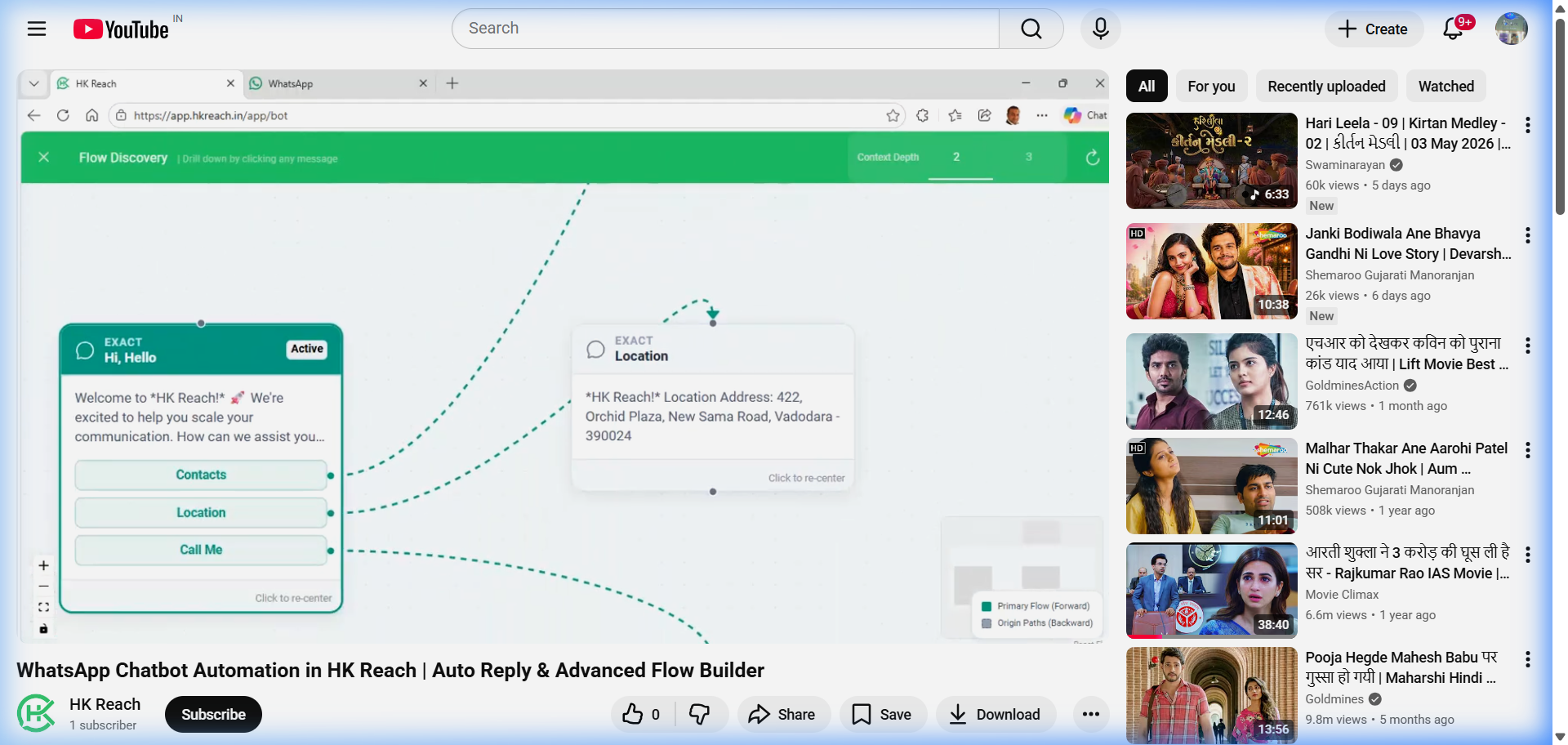
- You will see a JSON editor and a Flow Visualizer.
2. What can you collect?
You can ask for different types of information:
- Text: General questions (e.g., "What is your name?").
- Phone: Automatically validates that the user enters a valid phone number (at least 10 digits).
- Image: Asks the user to upload a photo (e.g., a payment receipt). The bot will wait until a photo is received.
- Selection: Provides the user with buttons (e.g., "Product A", "Product B").
3. Smart Routing (Branching)
You can make your bot smart! For example:
- If the user selects "Inquiry", send them to Step A.
- If the user selects "Support", send them to Step B.
🛠️ Technical Administrator's Guide (Deep-Dive)
Flows are defined by an array of JSON objects. Each object represents a "Step".
1. The Step Schema
{
  "id": "ServiceType",
  "question": "Which service do you need?",
  "type": "Selection",
  "options": ["Sales", "Support", "Billing"],
  "nextMapping": {
    "Sales": "Step_Sales_Intro",
    "Support": "Step_Support_Ticket",
    "Billing": "Step_Billing_Query"
  },
  "next": "Step_Default_Exit"
}
2. Supported Step Types & Validation
| Type | Behavior | Validation Logic |
|---|---|---|
Text | Captures any text response. | None. |
Phone | Cleans input to digits. | Must be at least 10 digits. |
Image | Captures media. | Webhook must contain an image object. Automatically downloads and stores locally. |
Selection | Renders buttons. | Matches by Button Click, Index (e.g., "1"), or Keyword. |
3. Advanced Branching Logic
The engine uses a "Fallback Chain" for the next step:
- Priority 1:
nextMapping: If the user makes a selection that exists in this dictionary, that target is chosen. - Priority 2:
next: If no mapping is found, the system moves to the ID specified innext. - Priority 3: Completion: If both are missing or set to
"COMPLETE", the flow ends.
4. Complex Flow Example: Payment Collection
[
  { "id": "Name", "question": "What is your name?", "type": "Text", "next": "Amount" },
  { "id": "Amount", "question": "Enter the amount paid:", "type": "Text", "next": "Receipt" },
  { "id": "Receipt", "question": "Please upload a photo of your receipt:", "type": "Image", "next": "COMPLETE" }
]
5. Data Mapping & Lifecycle
- Session State: Stored in
Contact.BotStateasFLOW:{StepID}:{SubmissionID}. - Data Persistence: Answers are serialized into
LeadSubmission.CollectedDataJson. - Flattening: During Excel export, each
idfrom your JSON (e.g.,ServiceType) becomes a dedicated column.
[!TIP] Use placeholders like
{{ReferenceCode}}in your completion messages (in the Bot Rule editor) to give customers a trackable ID.