Broadcast Campaigns
Broadcast Campaigns allow you to send WhatsApp messages to a large list of contacts at once.
🏢 Business Owner's Guide (Non-Technical)
1. Preparing Your Audience
- Go to the Contacts page.
- Import your customer list via Excel or manually add contacts.
- Use Tags to group your contacts (e.g., "Holiday Sale", "VIP Customers").
2. Creating a Campaign
- Navigate to Campaigns and click (+) New Campaign.
- Name your campaign (e.g., "Monthly Newsletter").
- Select your Target: Filter by tags or select all contacts.
- Choose a Template: Select an approved WhatsApp Template.
- Schedule: Send immediately or pick a future date and time.
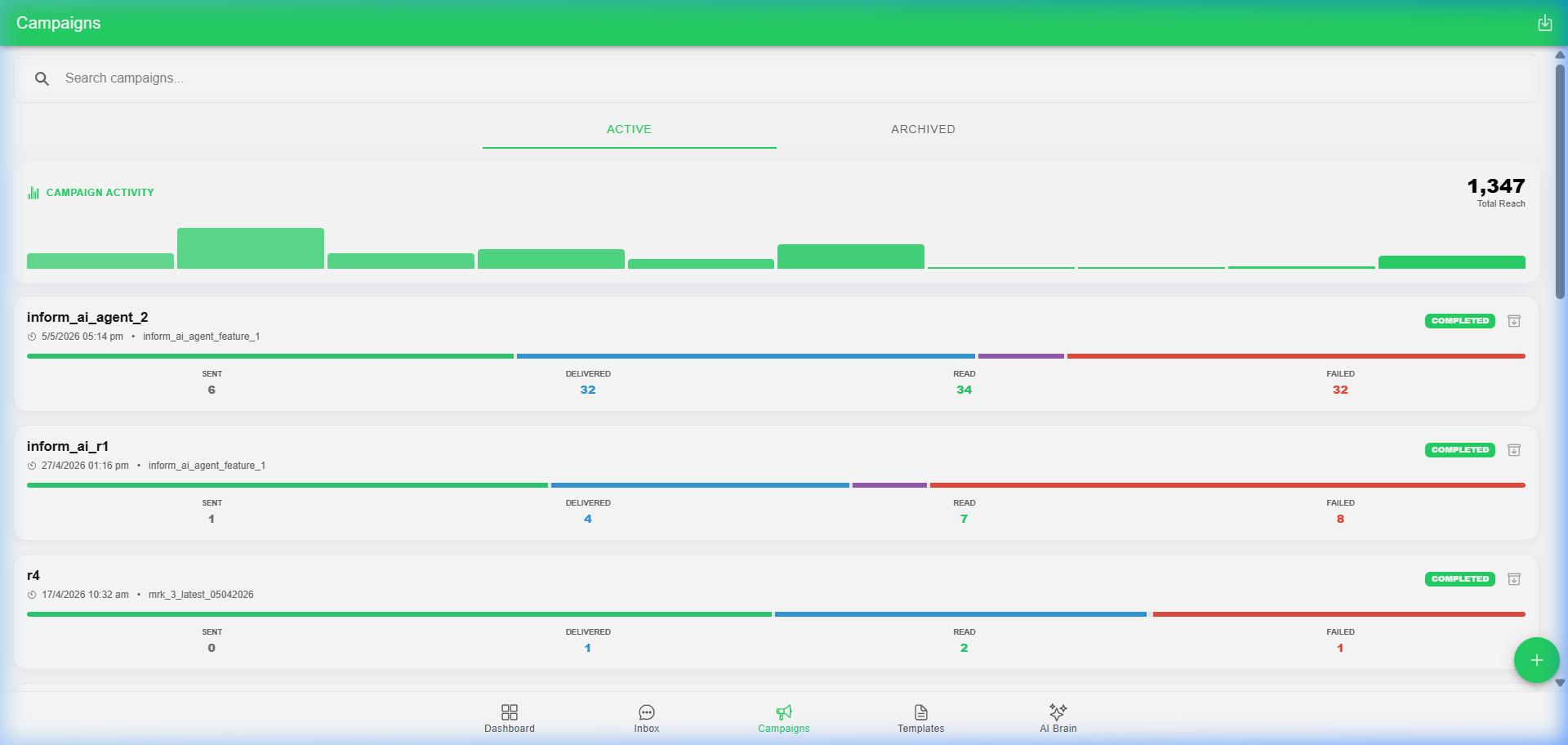
3. Monitoring Results
Once sent, click on the campaign to see:
- Sent: Total messages dispatched.
- Delivered: Messages reached the customer's phone.
- Read: Customers who actually opened the message.
- Failed: Messages that couldn't be delivered (e.g., invalid number).
🛠️ Technical Administrator's Guide (Deep-Dive)
1. Batch Processing
Campaigns are processed in batches of 20 messages every 5 seconds to comply with Meta's rate limits and ensure high delivery rates.
2. Status Tracking
The system polls Meta for status updates for 72 hours after a campaign is sent.
- Sent -> Delivered -> Read
- If a message fails, the reason (e.g.,
capability_mismatch) is logged in theMessageLog.
3. Campaign Lifecycle
- Draft: Created but not yet scheduled.
- Scheduled: Waiting for the
CampaignServicebackground worker to pick it up. - Processing: Messages are currently being sent.
- Completed: All messages have been attempted.